December 5, 2024
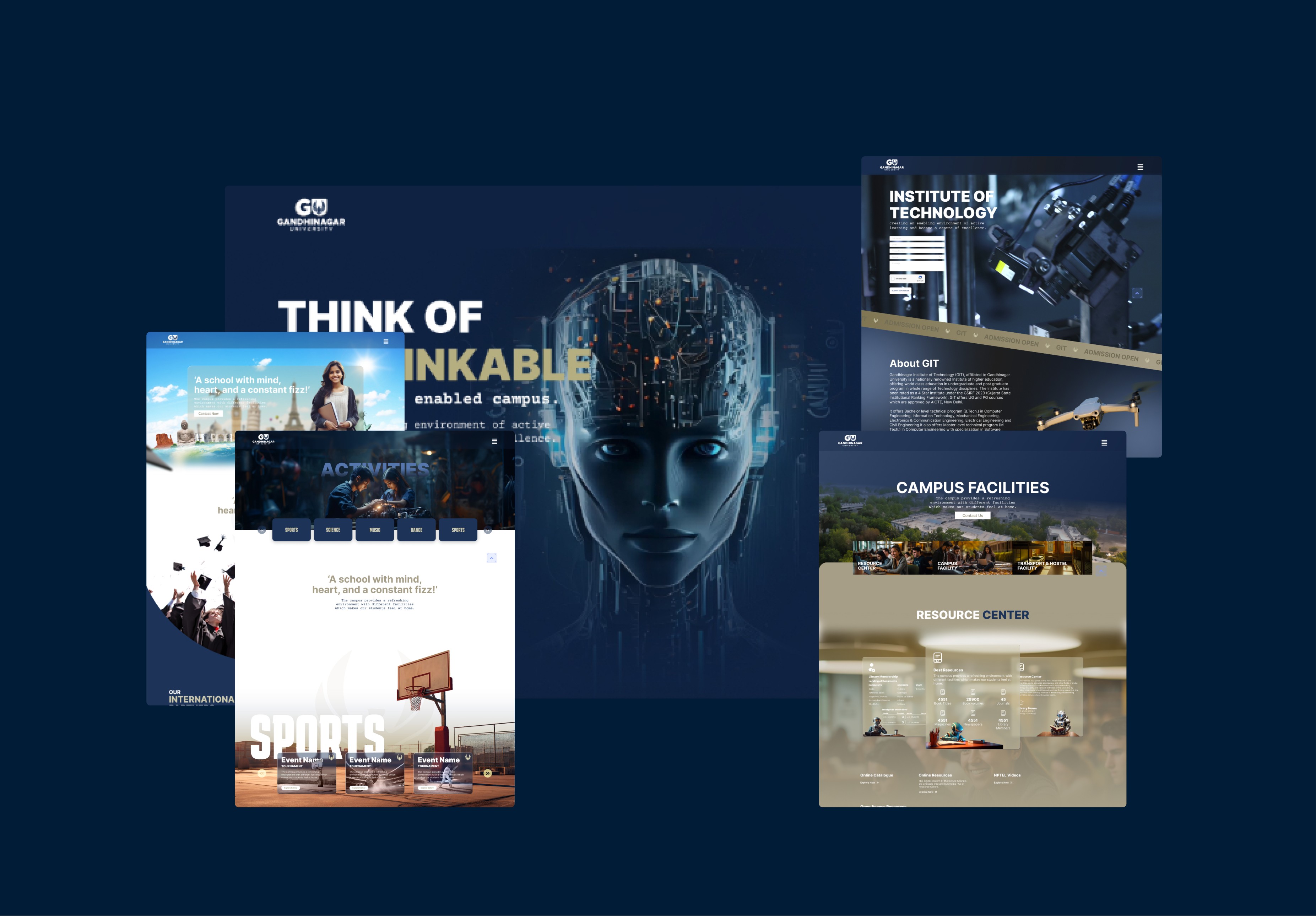
Year
2024
Client
Gandinagar University
Category
Web UI Design
Product Duration
8-10 Weeks
The first stage focuses on defining the overall vision and direction for the website. This involves:
Research & Brainstorming: Understanding the purpose of the website, its target audience, and the brand identity of GU (Gandhinagar University). Researching competitors, design trends, and best practices to inspire a fresh, functional approach.
Goal Setting: Establishing clear objectives, such as enhancing user experience, improving accessibility, and creating a modern, professional aesthetic.
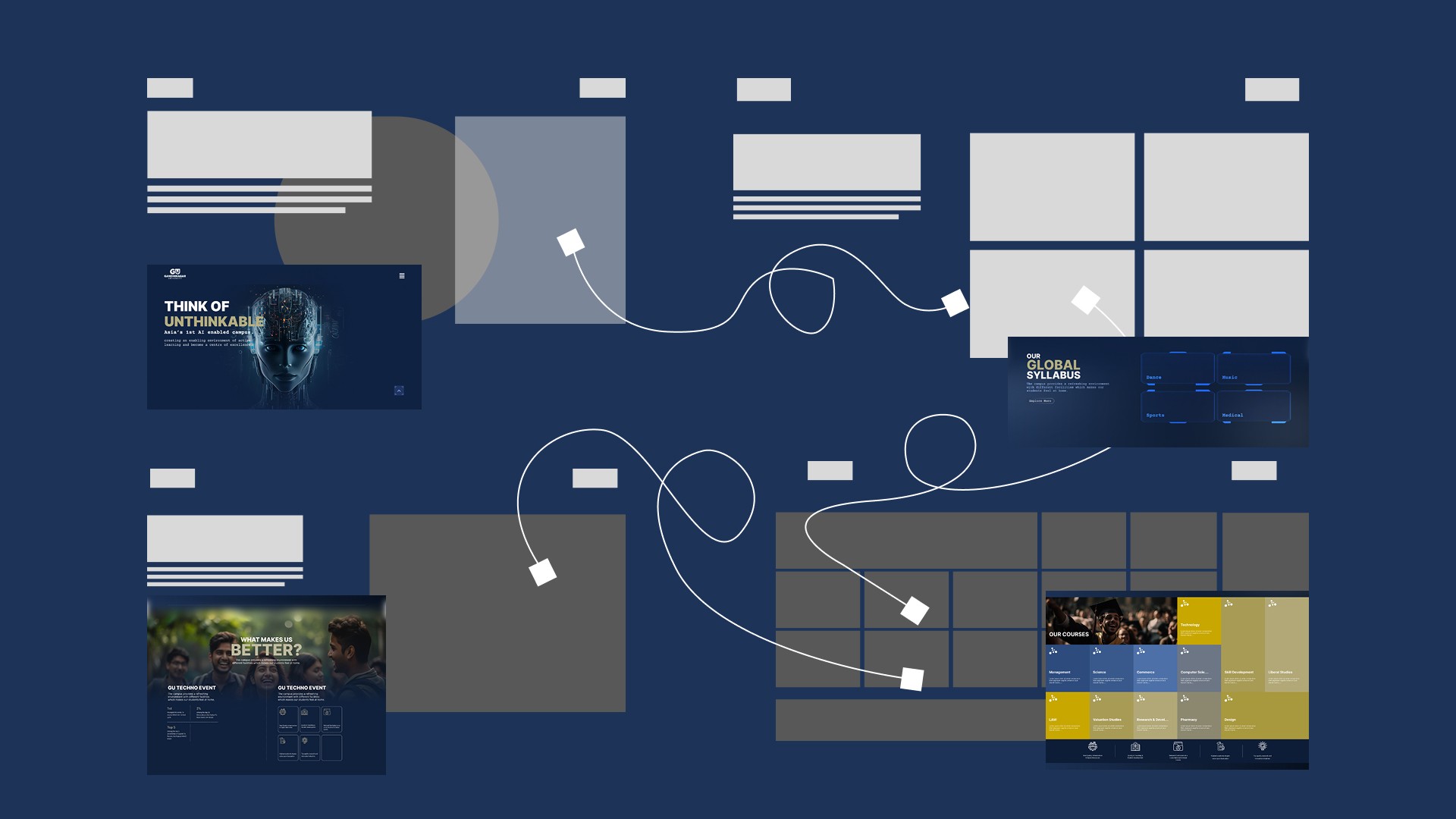
Wireframing & Layout Planning: Creating initial wireframes that outline the basic structure of the website, showing how content and functionality will be organized without focusing on visual details.
Once the concept is defined, the next step is to focus on the UI Design, which is responsible for the visual elements that users will interact with. This includes:
Visual Style: Determining the color palette, typography, and graphic elements (icons, buttons, etc.) to ensure they align with the university’s branding and are aesthetically appealing.
Interactive Elements: Designing buttons, menus, and other elements in a way that encourages intuitive interactions and enhances usability.
Prototyping: Creating high-fidelity mockups or interactive prototypes that visually demonstrate the website’s layout, design, and interactions.
User Flow Optimization: Mapping out how users will navigate through the website, ensuring easy access to important information with minimal effort.
After the initial UI designs are completed, the Design Refinement phase ensures the interface is polished and cohesive. This step involves:
Feedback & Iteration: Sharing the designs with stakeholders and gathering feedback to refine the user interface. Based on feedback, adjustments are made to improve usability, aesthetic appeal, or alignment with the brand’s identity.
Responsive Design: Ensuring that the design adapts seamlessly to various screen sizes, from mobile devices to desktops, while maintaining functionality and visual integrity.
Finalizing Aesthetics: Making final tweaks to the design to align with design principles like balance, contrast, and alignment. This ensures the interface is not only visually attractive but also user-friendly and easy to navigate.
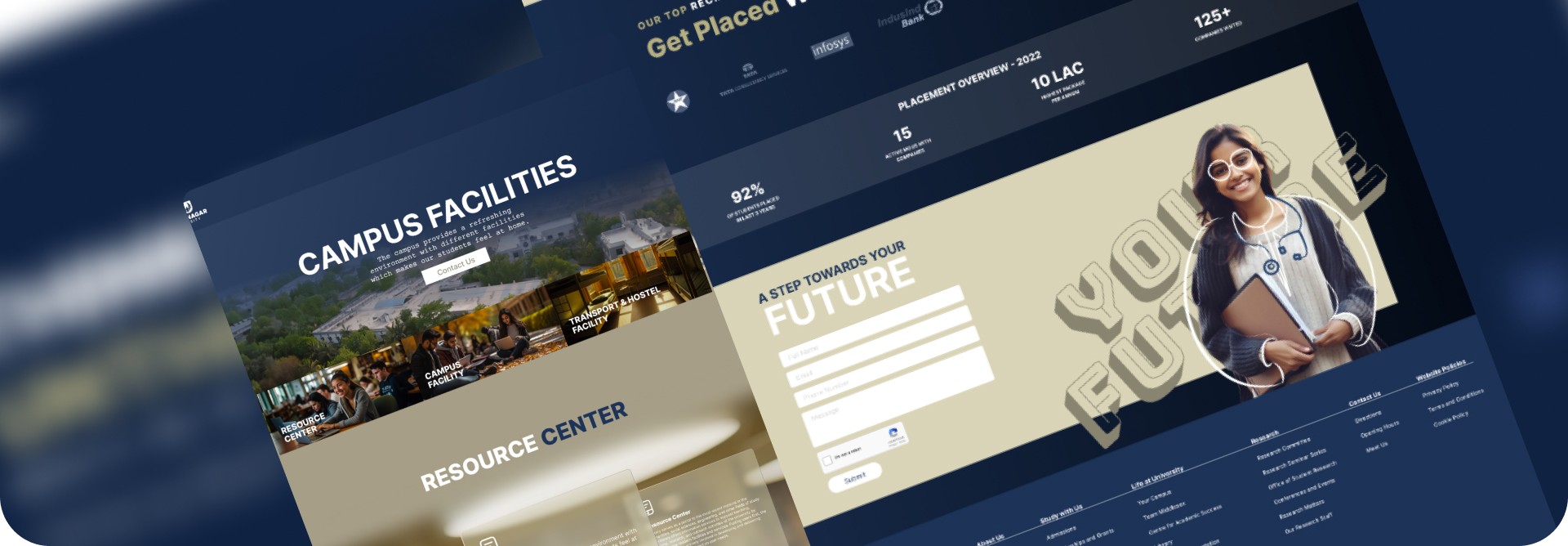
Once the UI design is finalized, it’s presented for approval. This stage involves:
Design Documentation: Creating design documentation that outlines all aspects of the visual design, including color codes, typography, and usage guidelines. This ensures consistency if the design needs to be revisited or updated in the future.
Stakeholder Approval: Presenting the final design to stakeholders for feedback and final approval before moving on to the next stages, such as development.